Airframe Add-ons
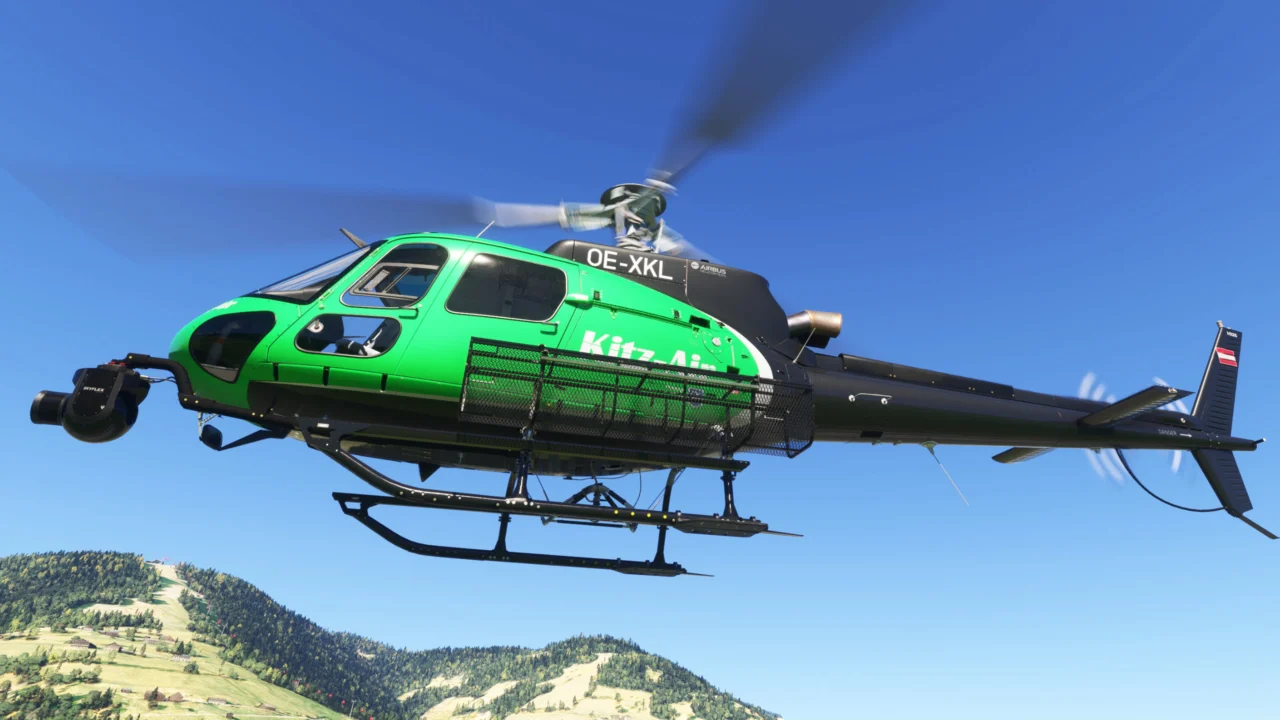
Equip baskets, camera mounts, a belly-mounted infrared surveillance camera, two searchlight options, a cargo mirror, protective equipment and the cargo hook.
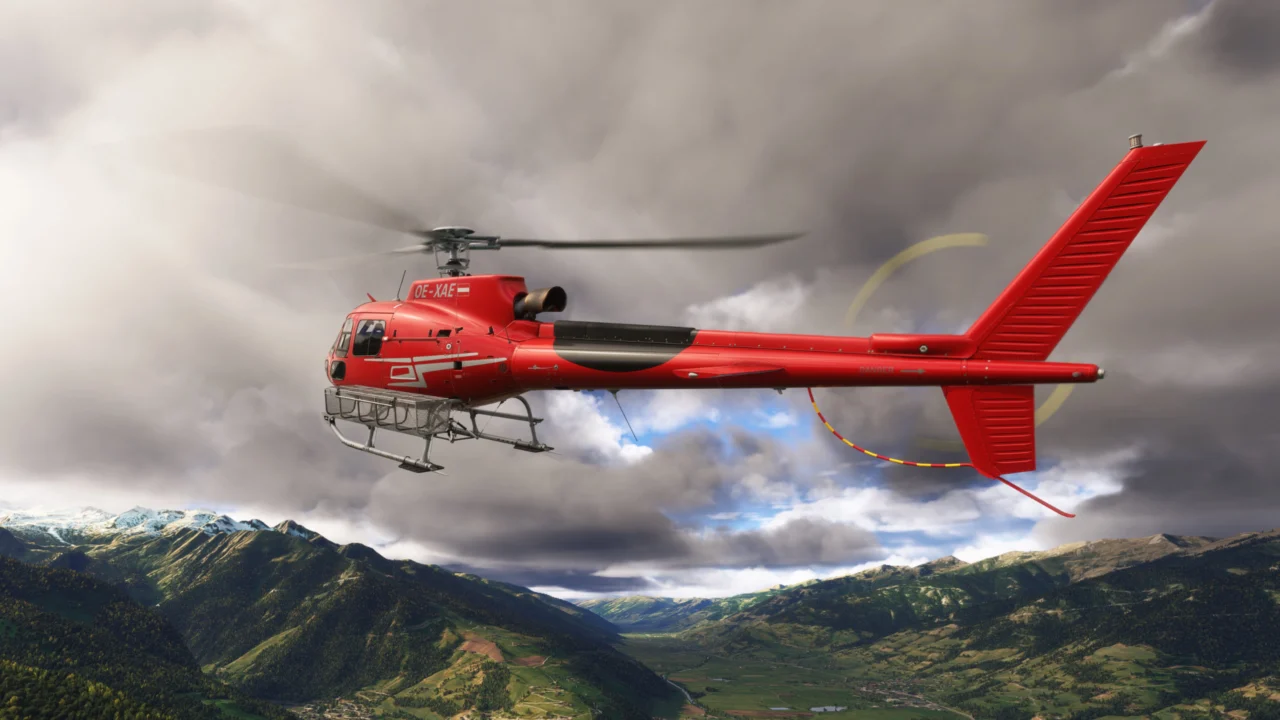
Turn the H125 into a complete utility platform for firefighting, concrete transport, aerial filming, surveillance, refuelling and demanding night operations.
Configure the aircraft, deploy support equipment and perform complete operations without leaving the cockpit.
Equip baskets, camera mounts, a belly-mounted infrared surveillance camera, two searchlight options, a cargo mirror, protective equipment and the cargo hook.
Attach the bucket, collect water from natural sources or the portable base and perform controlled drops.
Keep concrete deliveries moving by alternating between two slips, with a 3-second exchange at the mixer.
Choose between two searchlights and enjoy exterior lighting improved over the stock H125, including white tail-stabilizer strobes and refined ACOL and navigation lights.
Land near a deployed support trailer and transfer fuel through the dedicated EFB interface.
Integrated firefighting controls support automatic and pilot-controlled water release.
The dedicated EFB brings every function together in four clear sections: Options, Fire Ops, Sling Ops and Refuel.
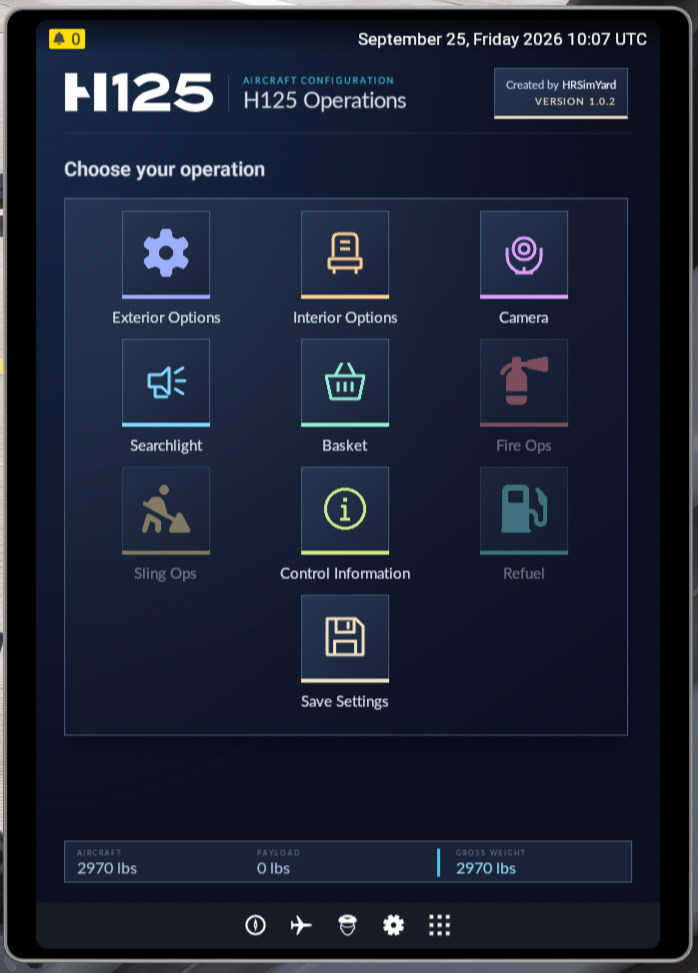
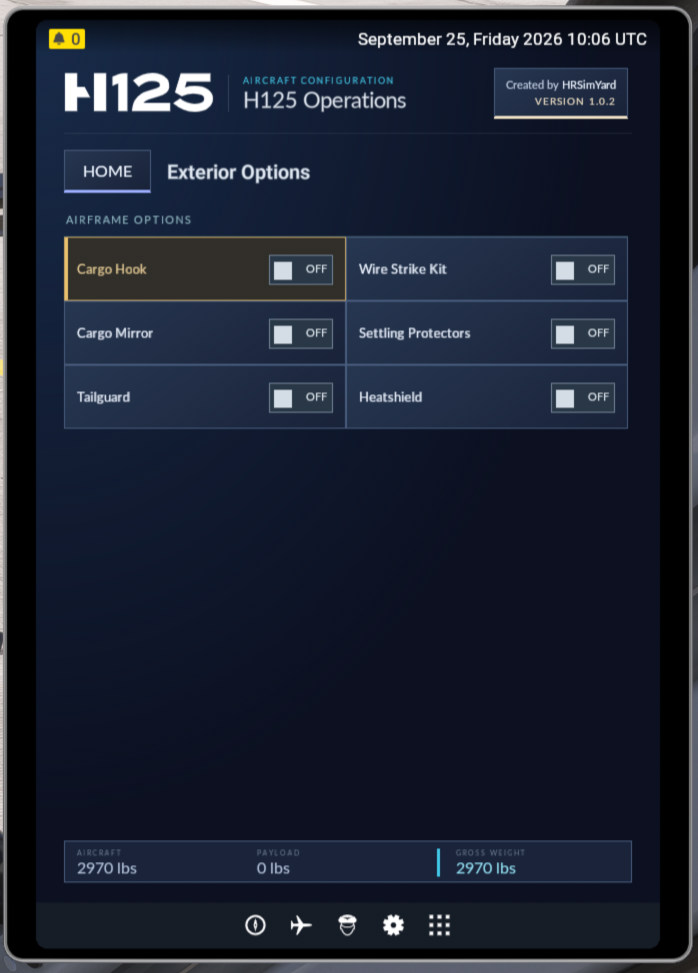
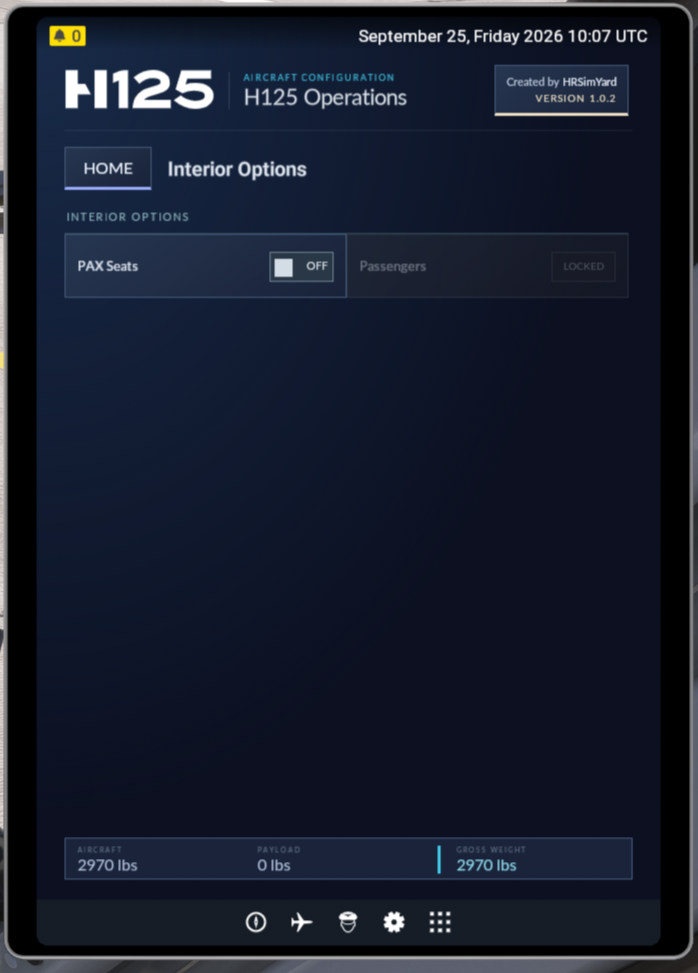
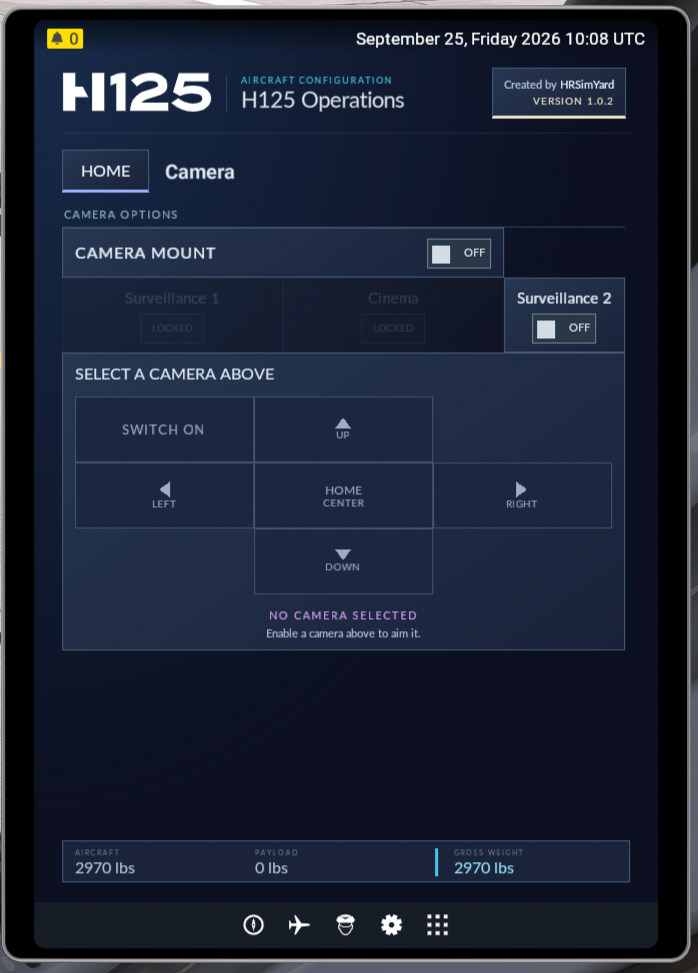
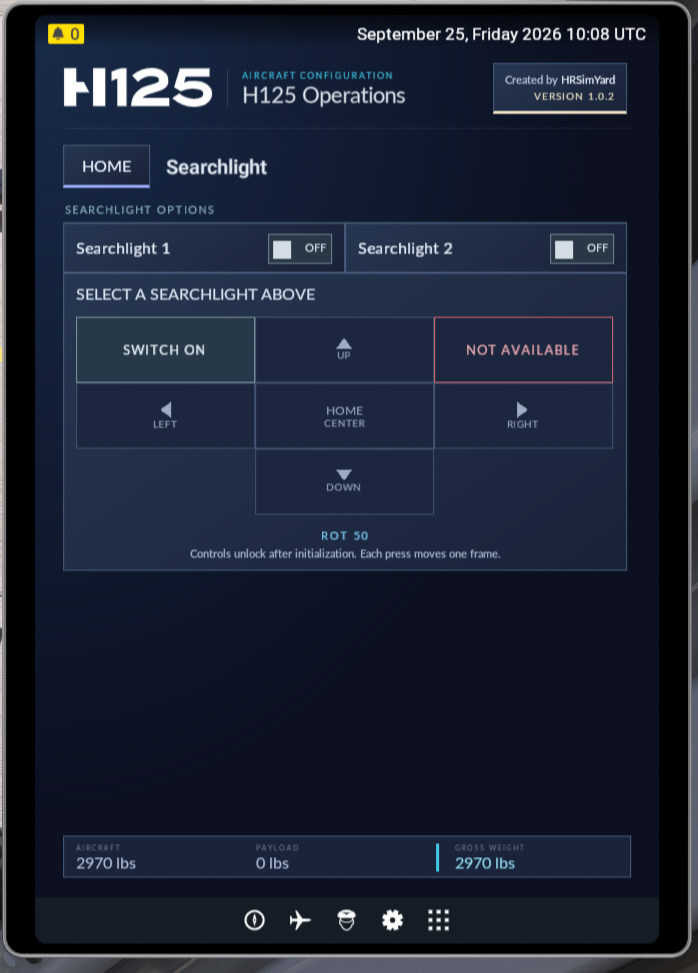
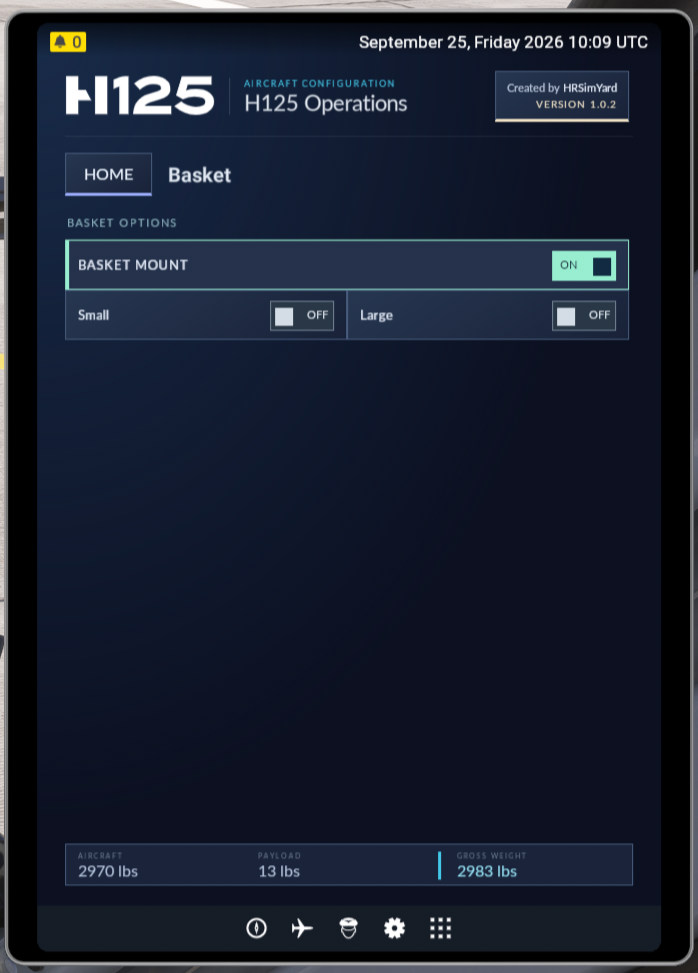
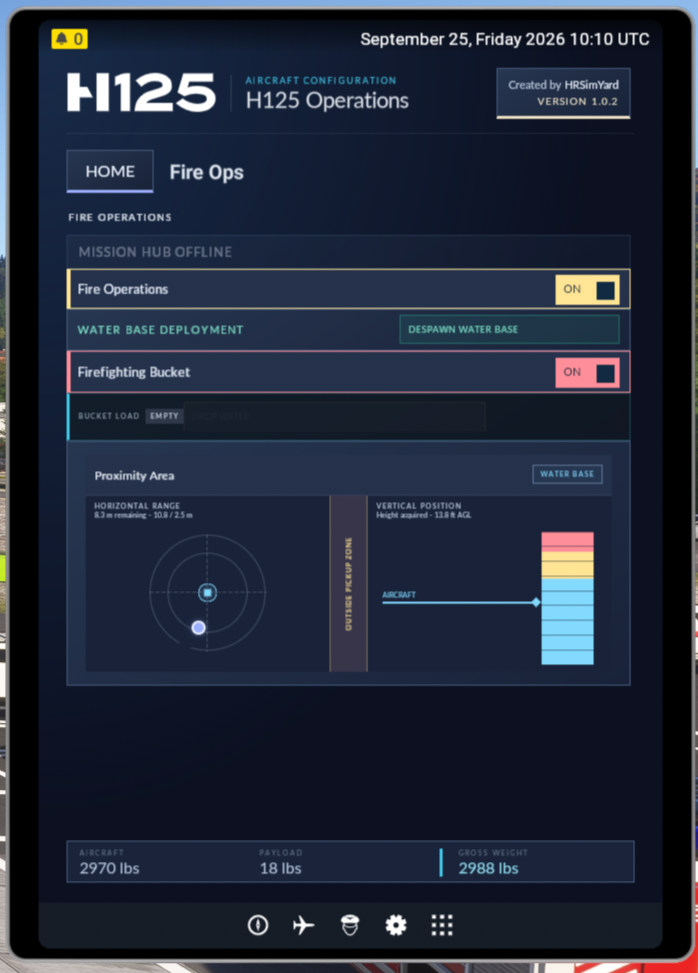
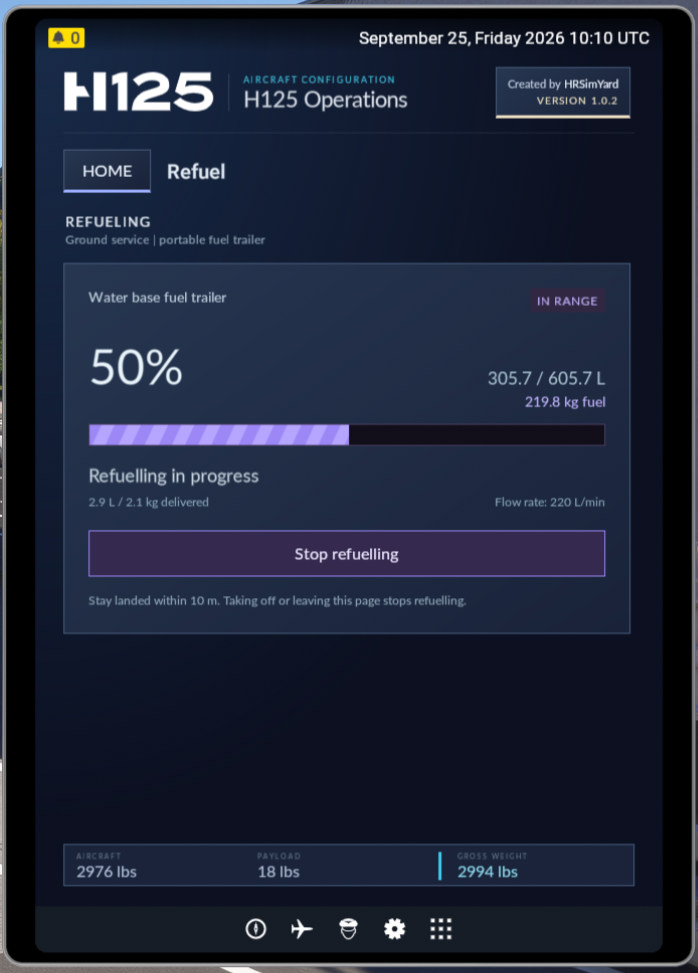
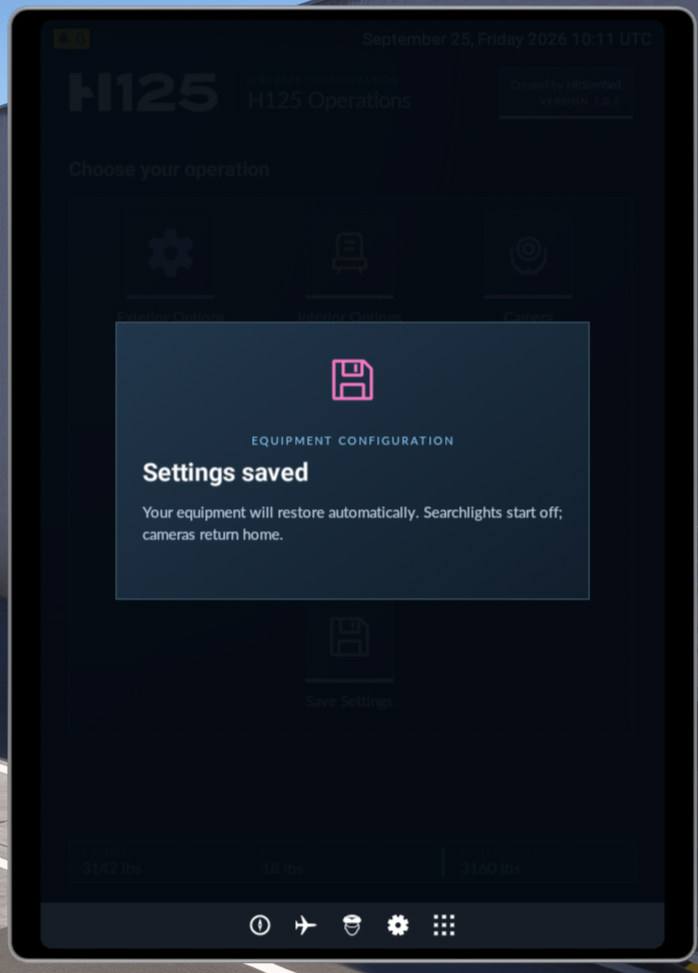
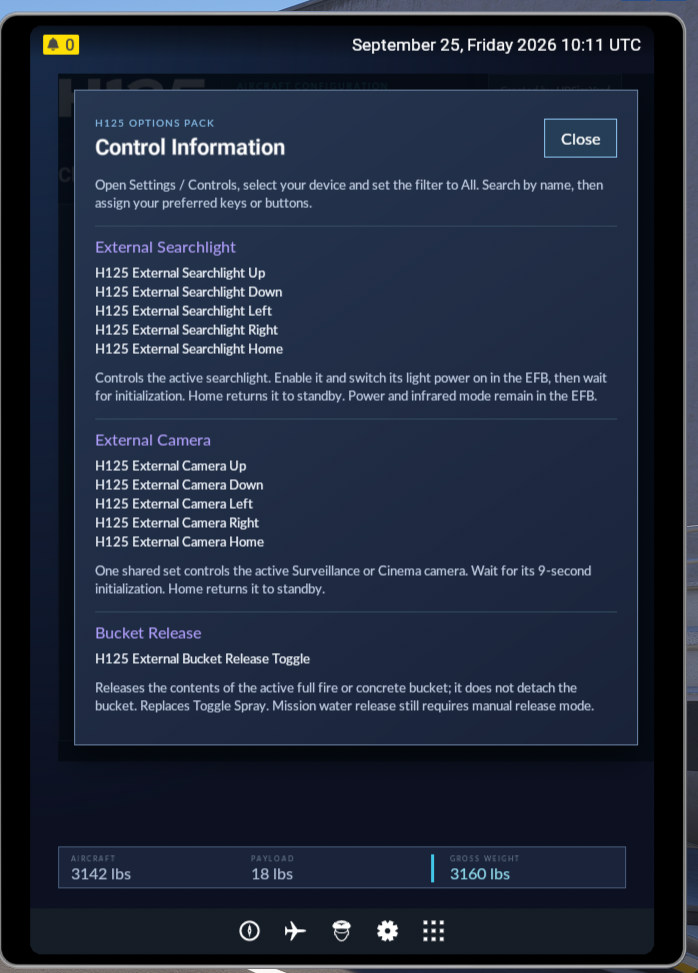
Choose the equipment required for your next flight. Installed equipment and cargo are included in the EFB’s live weight calculation.
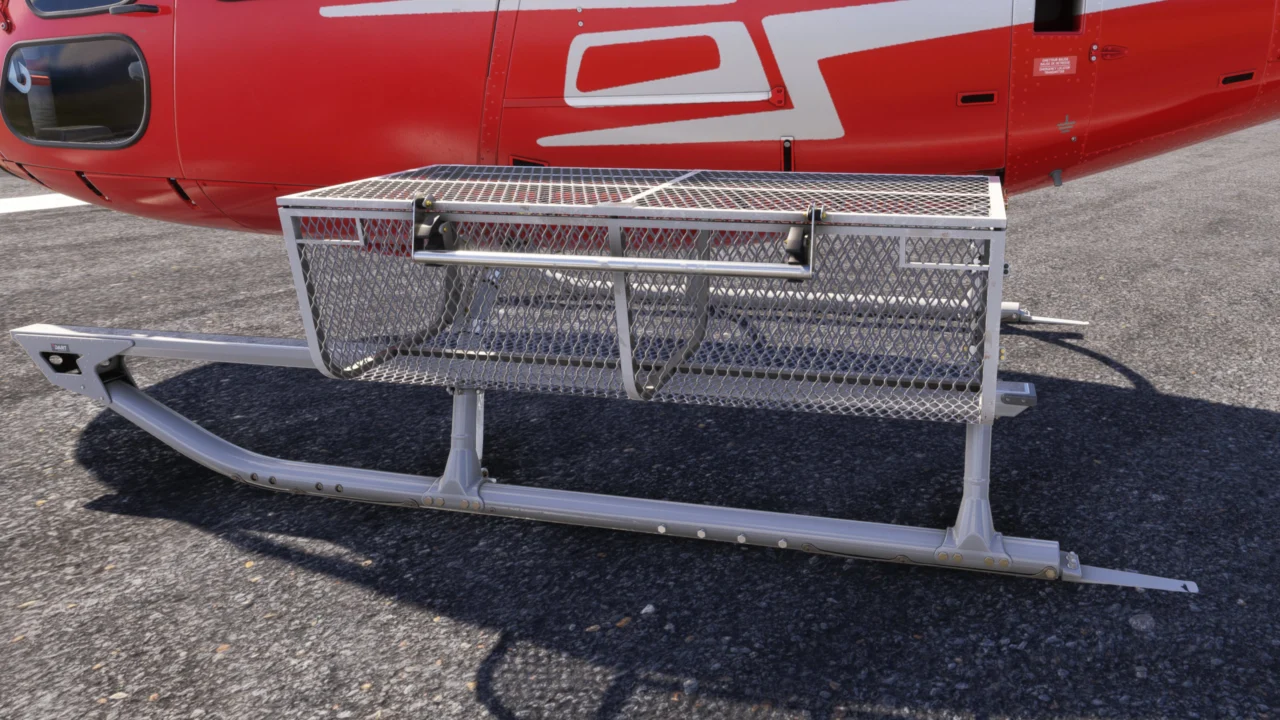
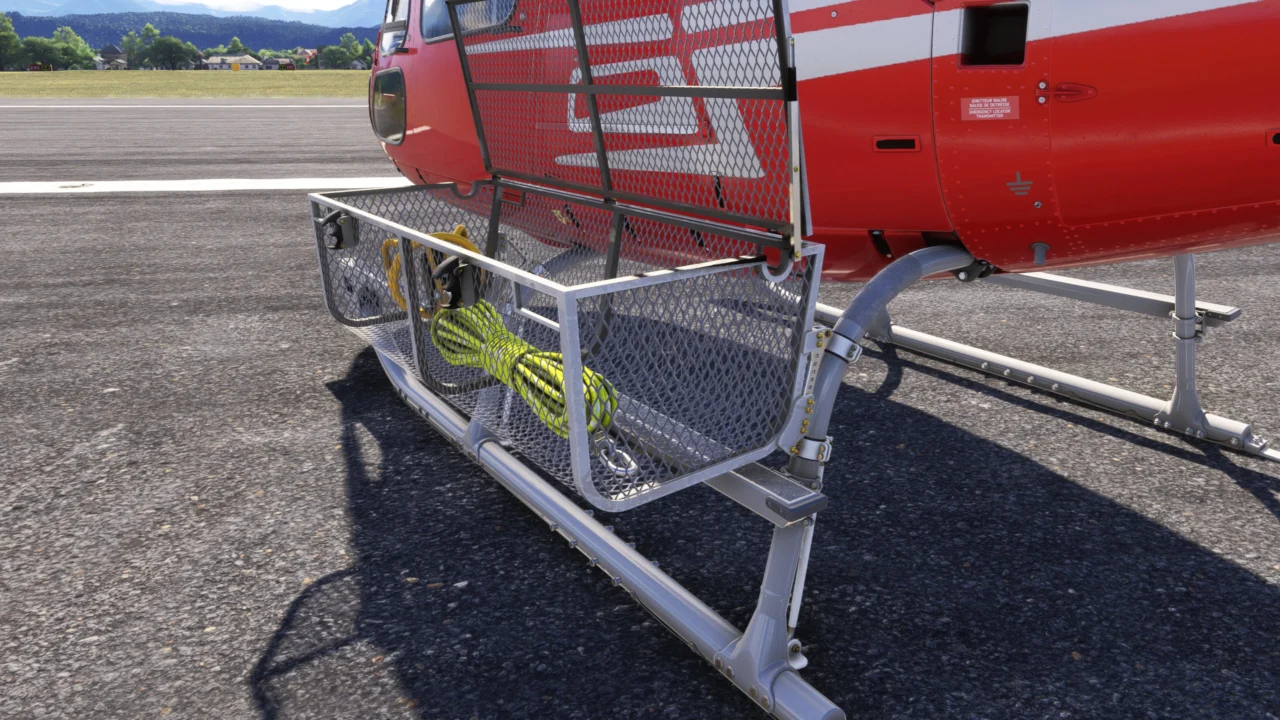
A compact utility basket that can be opened, closed and equipped with optional basket cargo.
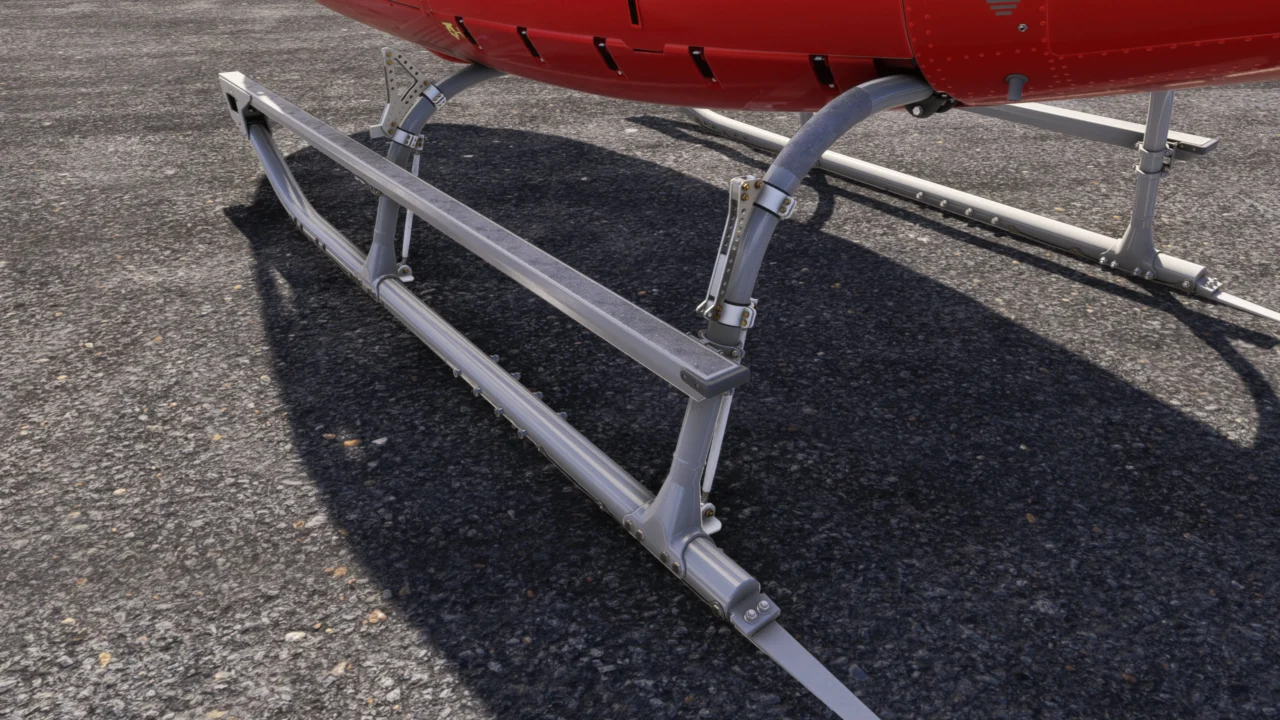
The dedicated mounting structure for small and large utility baskets.
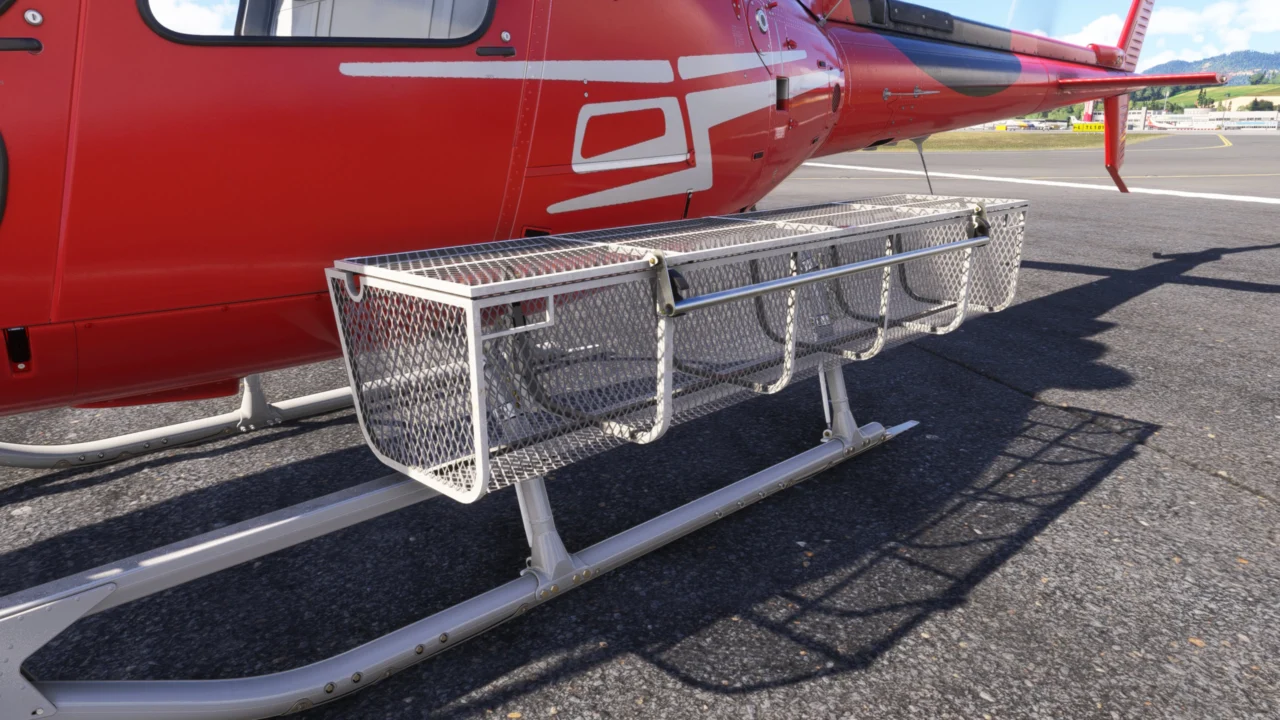
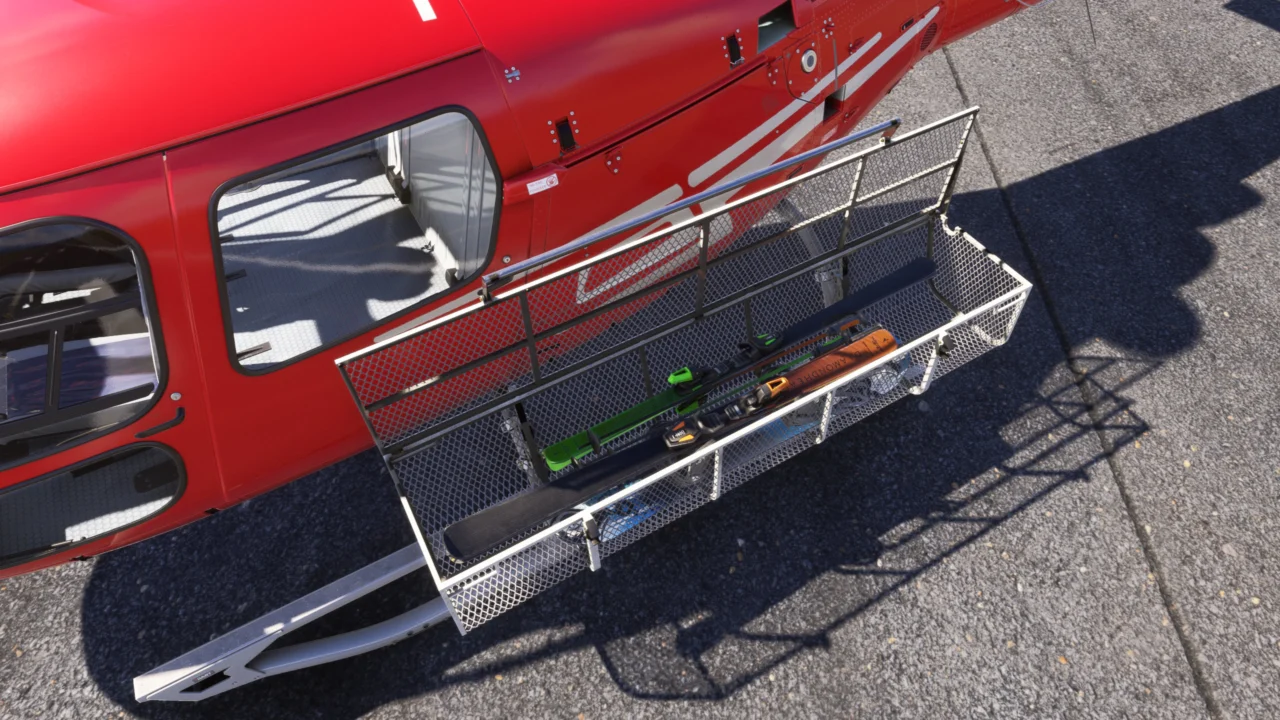
Additional external carrying space with interactive opening and separately selectable cargo.
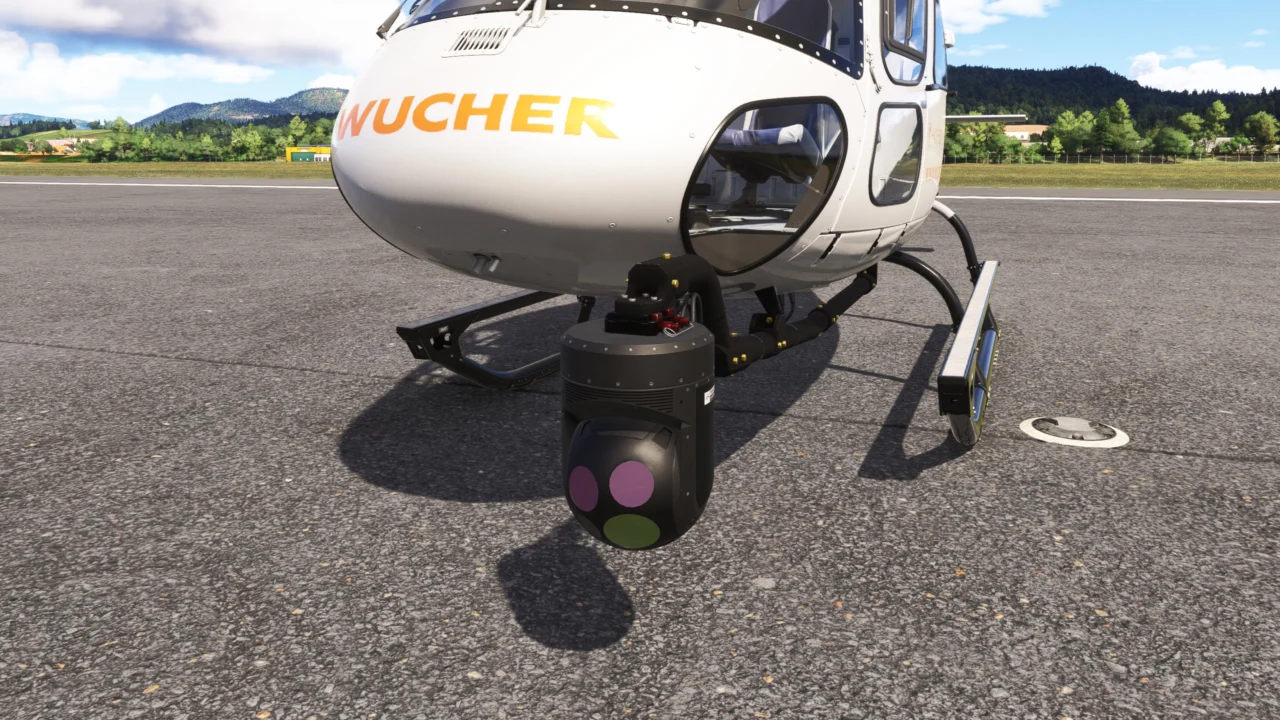
An arm-mounted exterior camera configuration for observation and specialist missions.
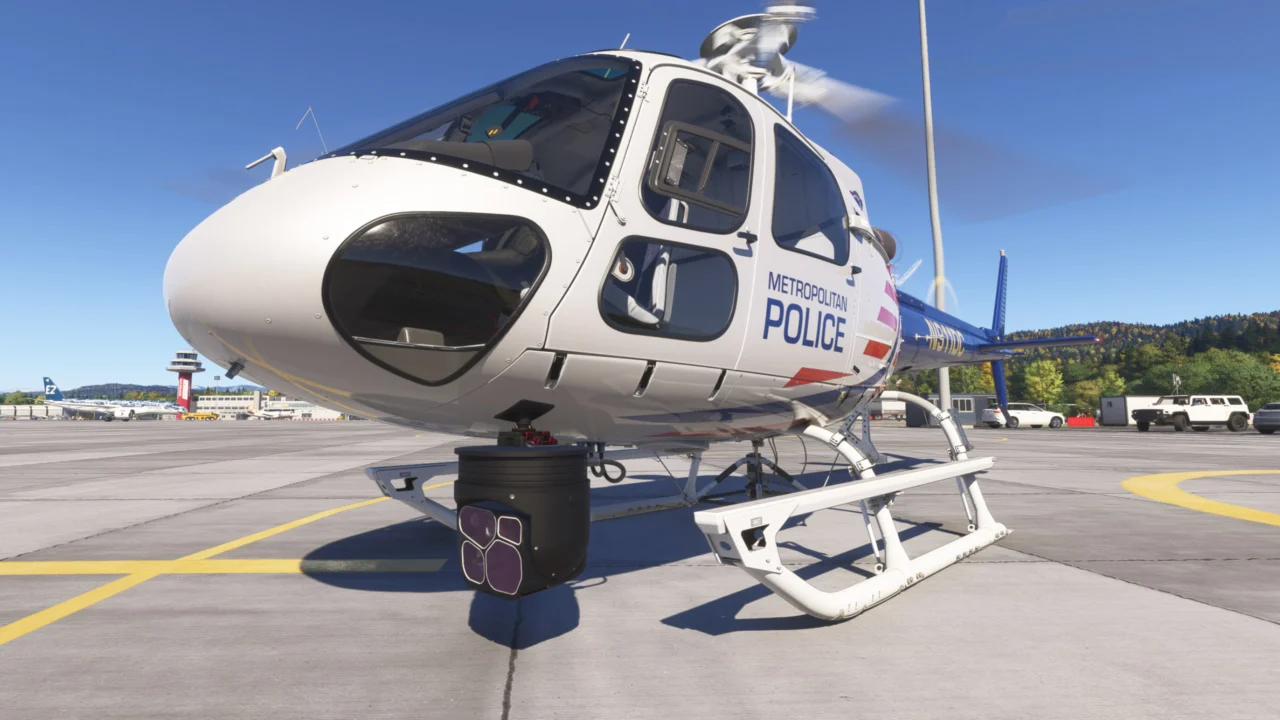
Mount the infrared surveillance camera directly beneath the fuselage. No external camera arm is required.
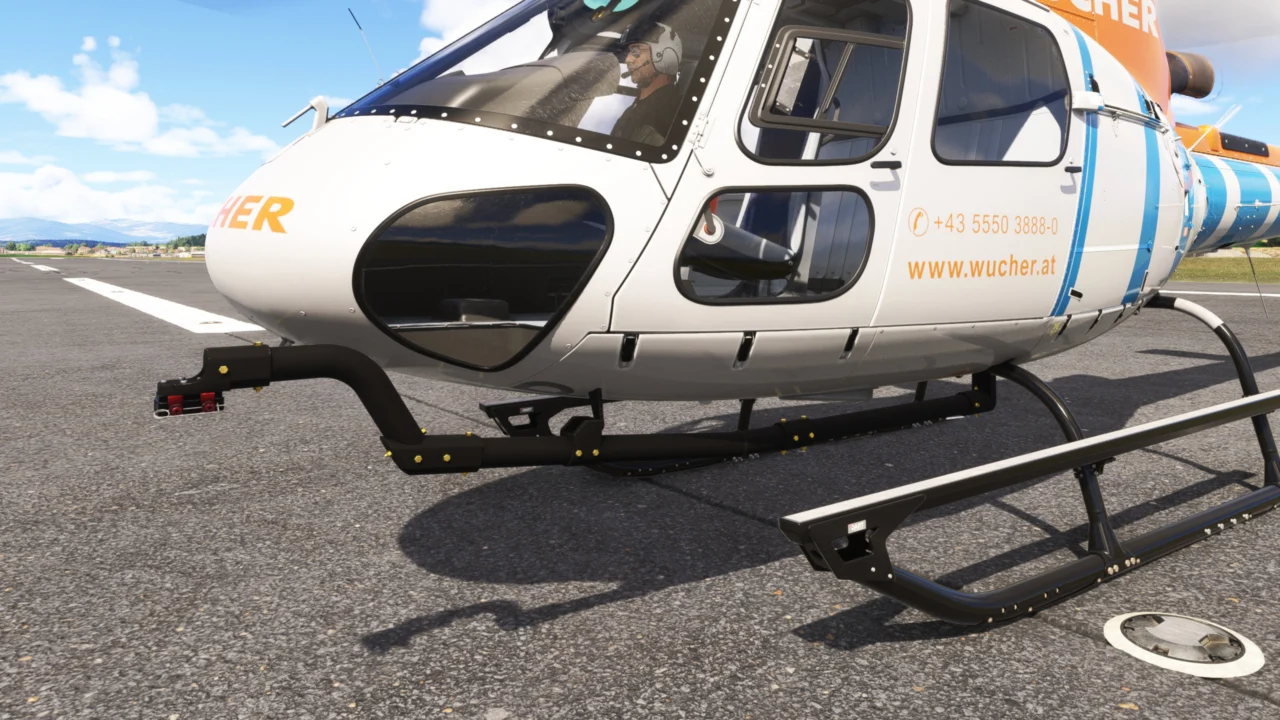
The external arm used by the arm-mounted surveillance and cinema camera configurations.
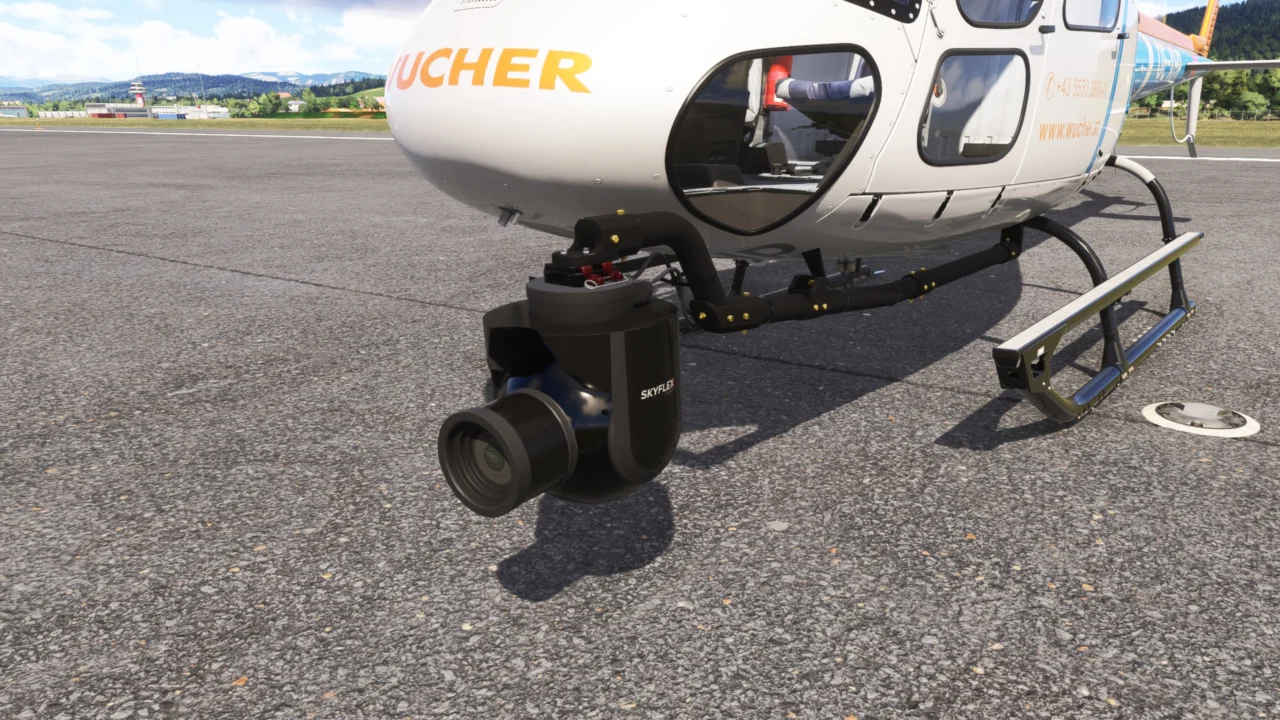
A professional-looking camera installation for aerial filming and production flights.
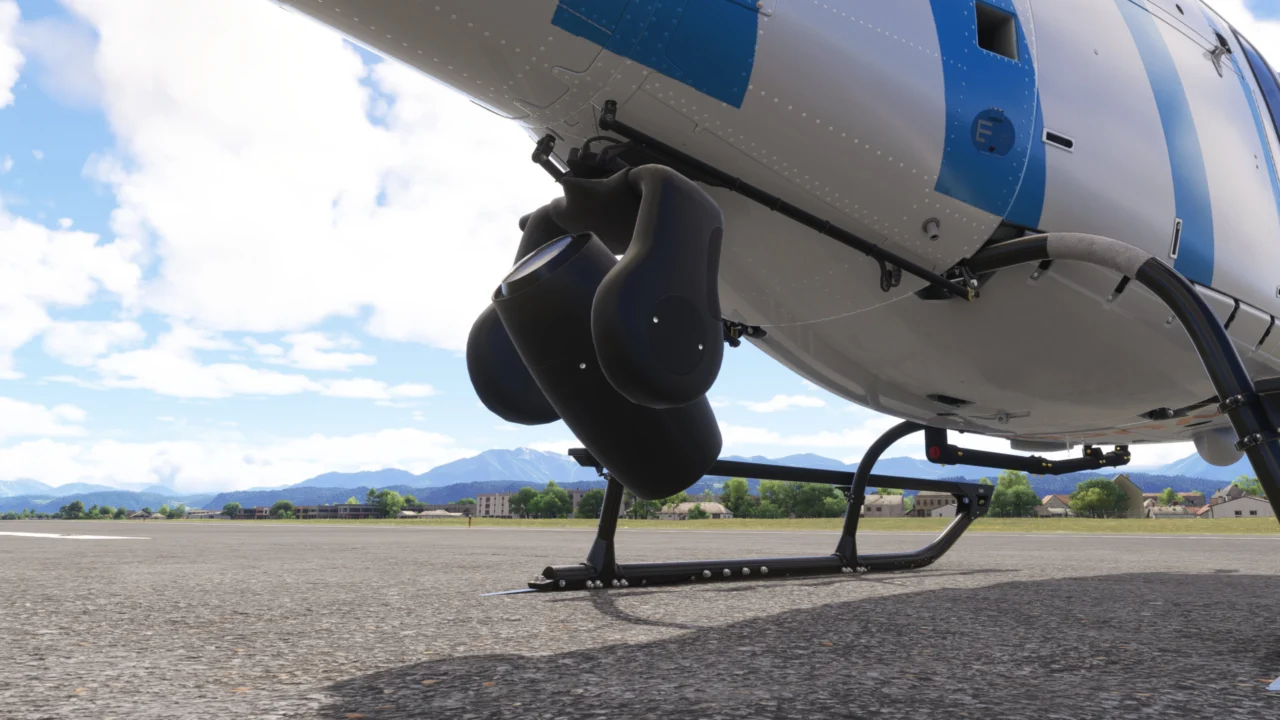
A powerful animated light for nighttime utility, landing and search operations.
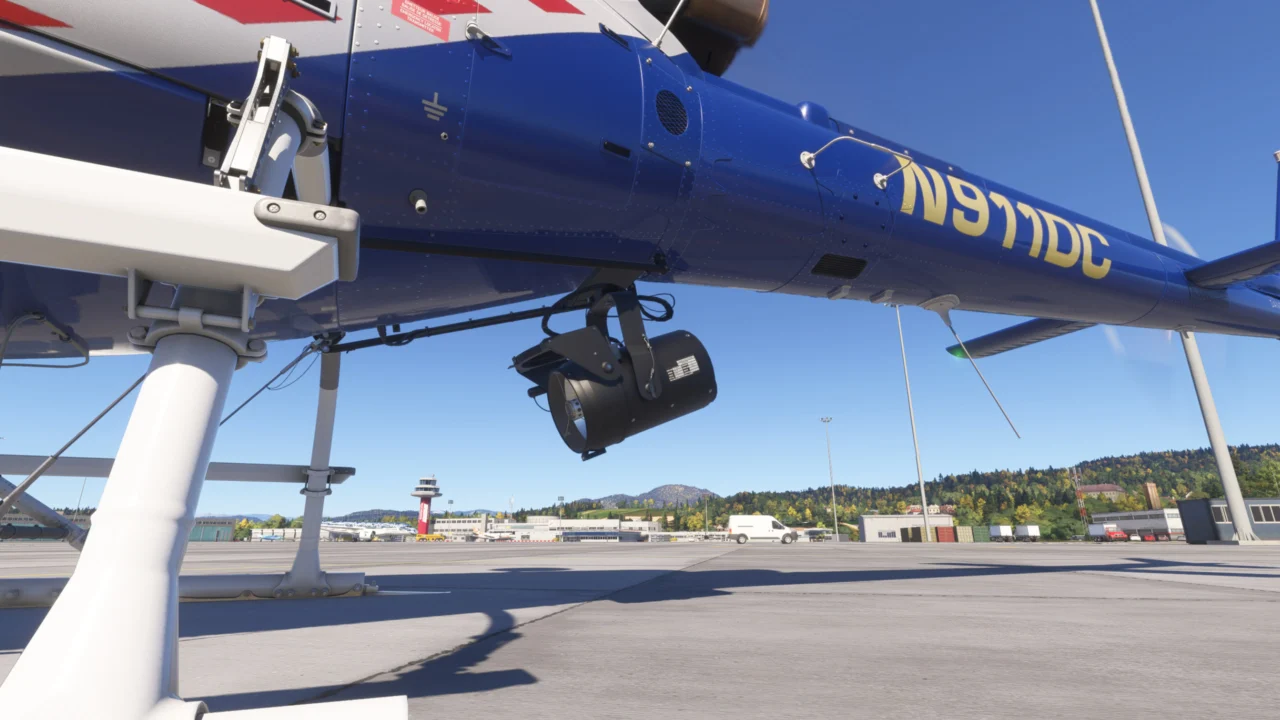
A second searchlight option based on the SX-16 for night operations.
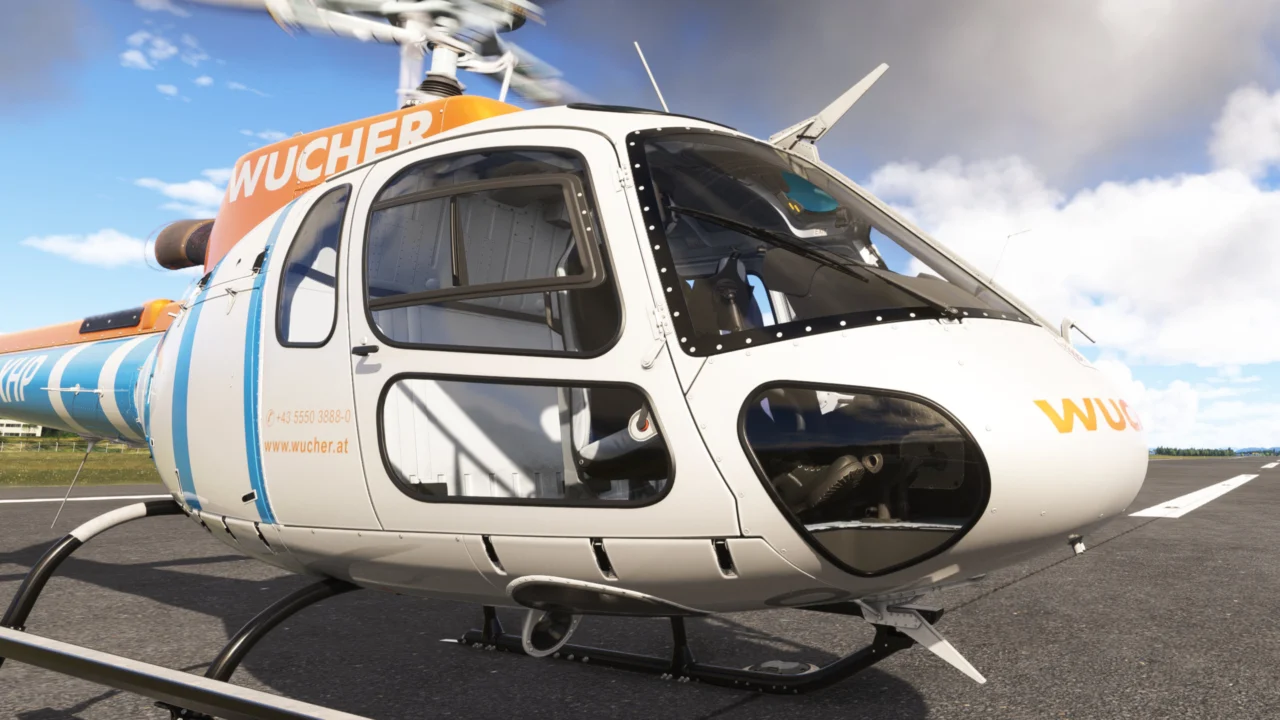
Adds protective equipment used on utility-configured helicopters.
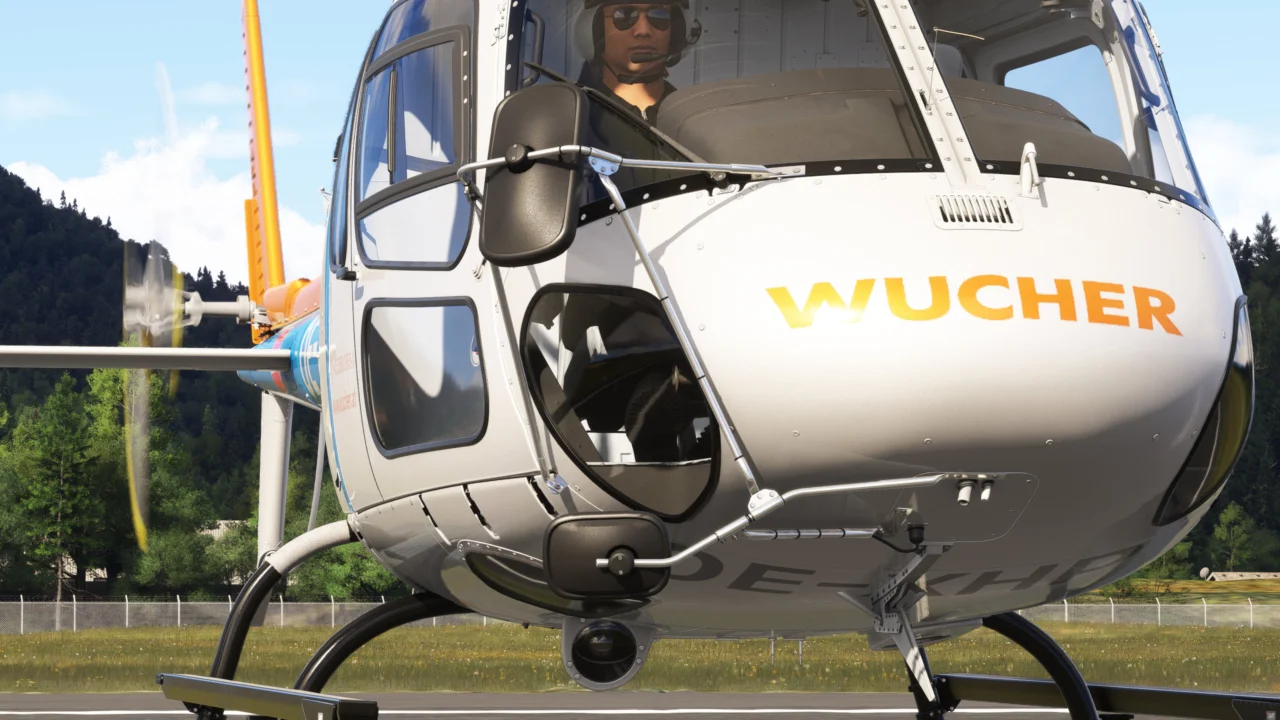
Provides an external-load configuration for precise sling operations.
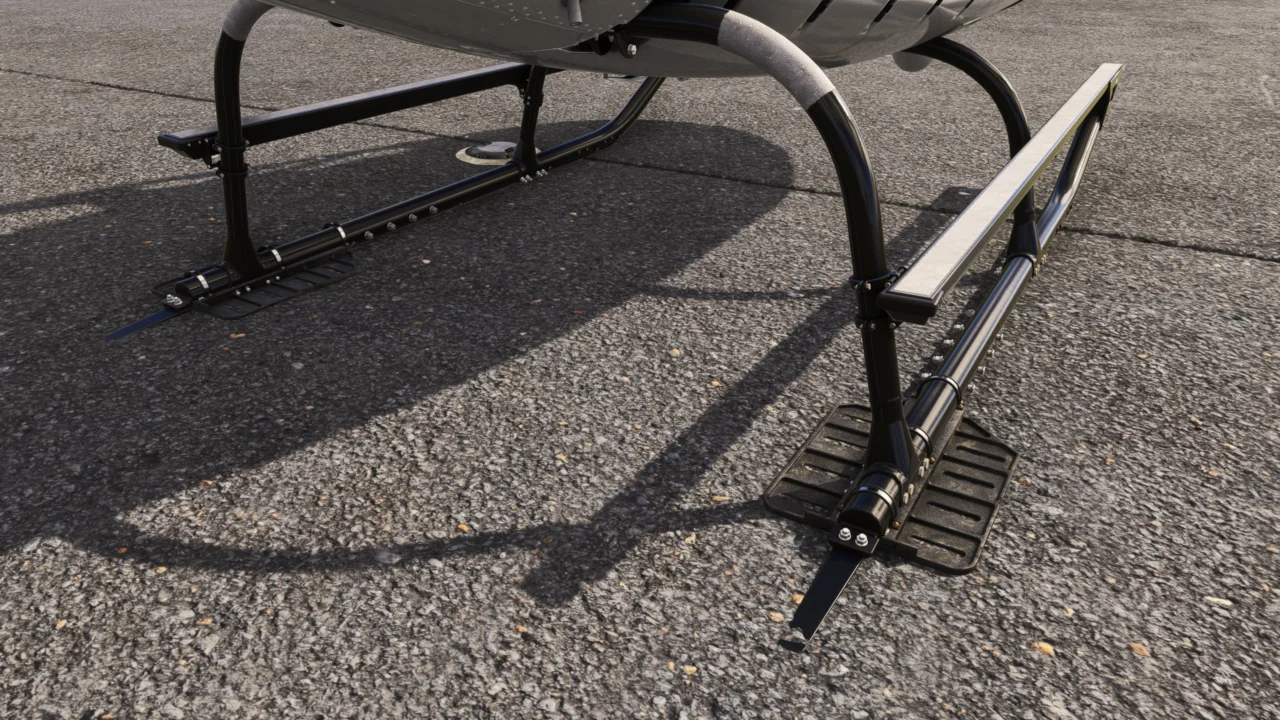
Additional protection for demanding landing environments.
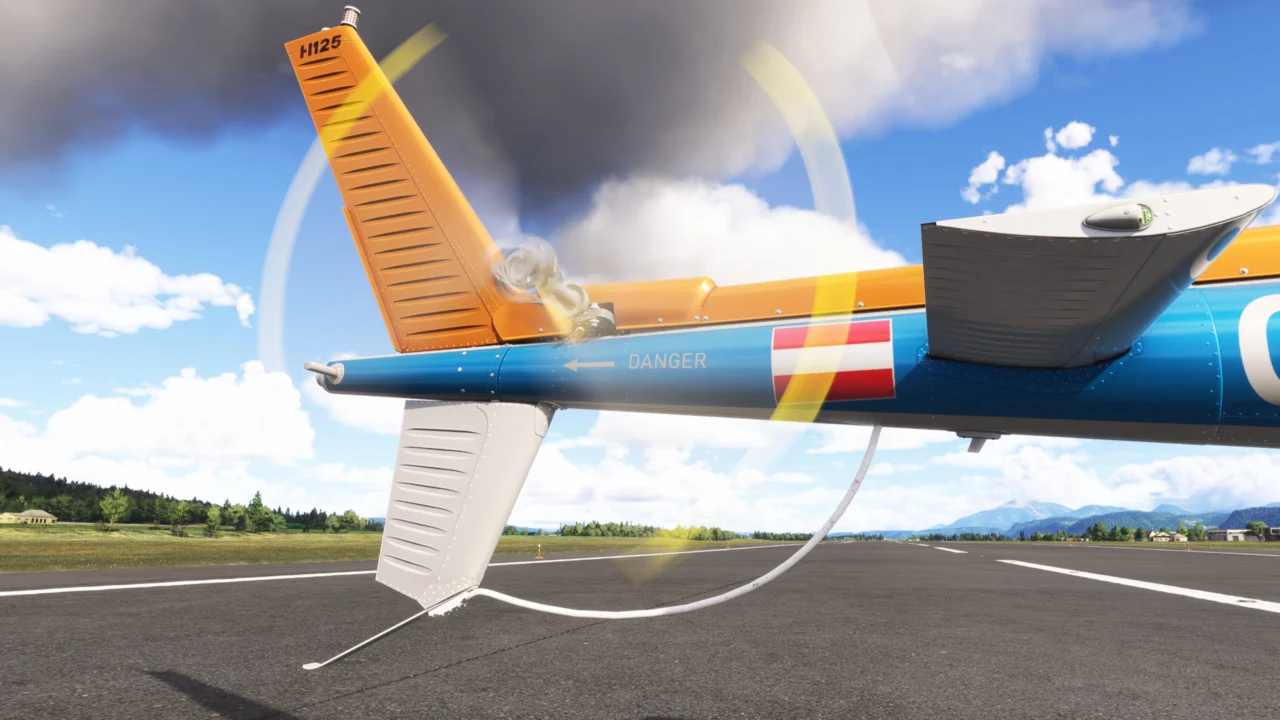
A detailed protective guard beneath the tail section.
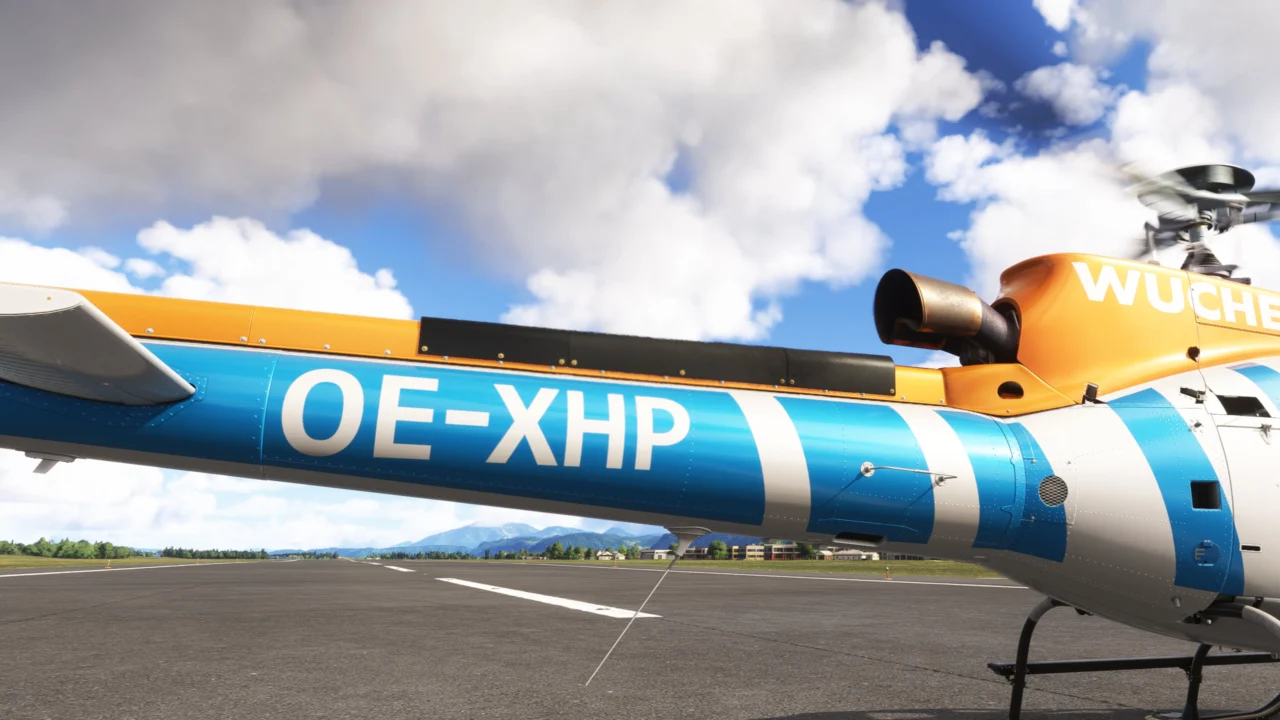
An additional airframe configuration detail for specialized operations.
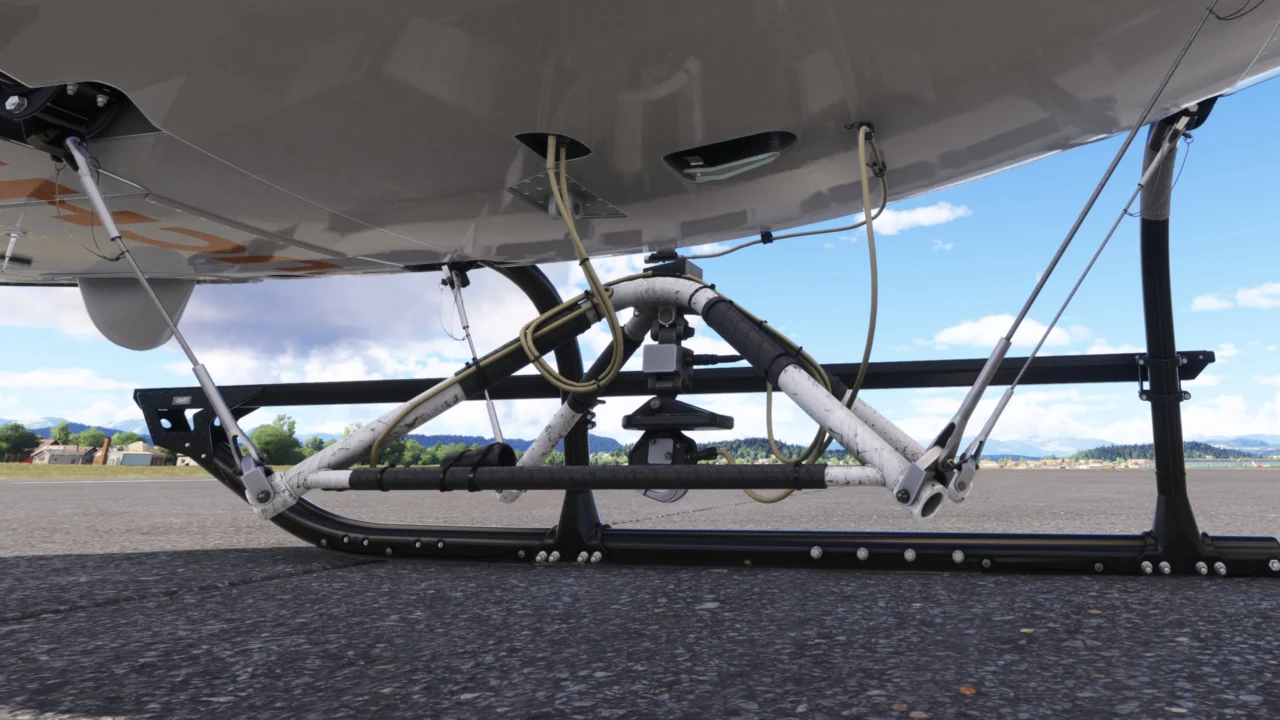
Unlocks Fire Ops and Sling Ops for interactive external-load missions.
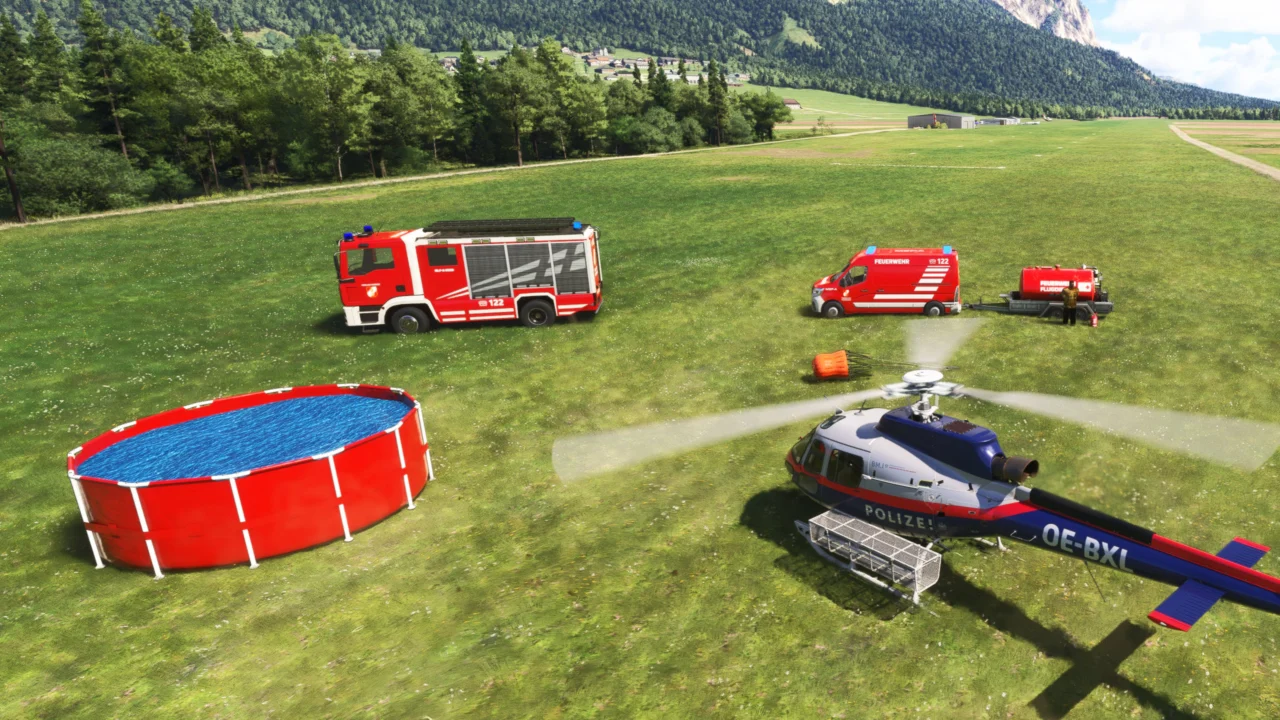
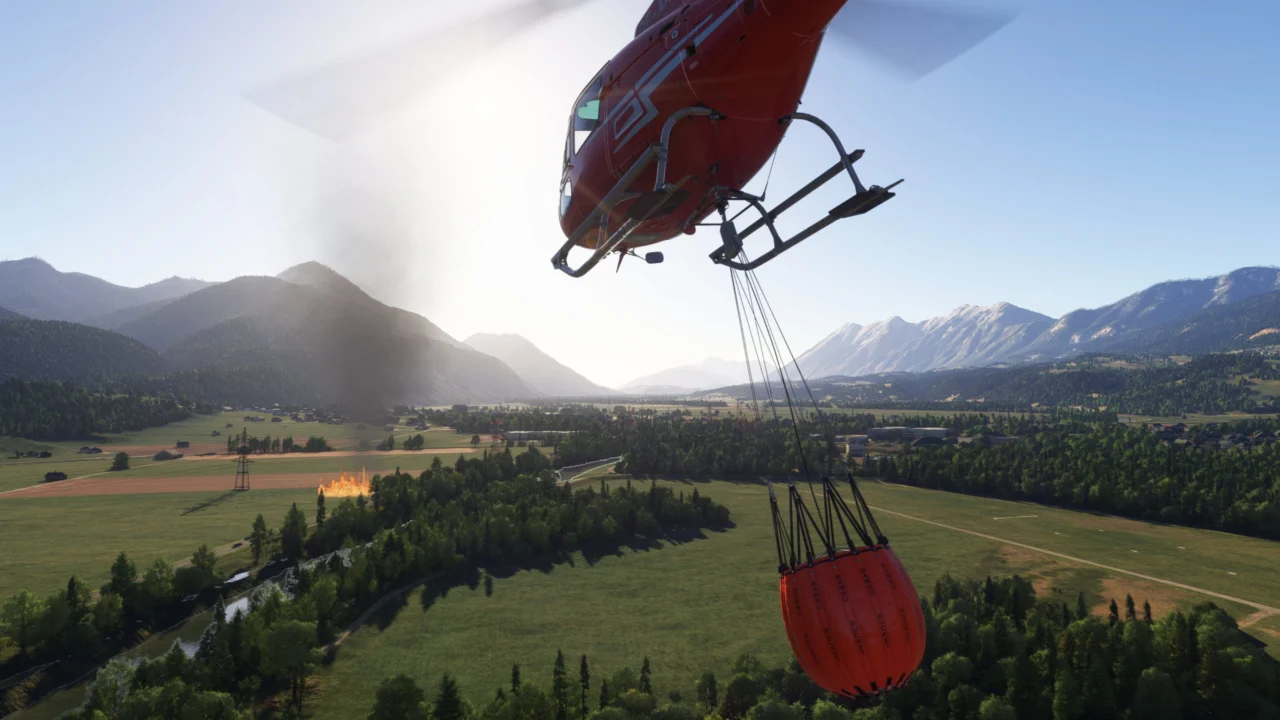
Take on complete firefighting operations using an attachable bucket, natural water pickup and a deployable portable water base.
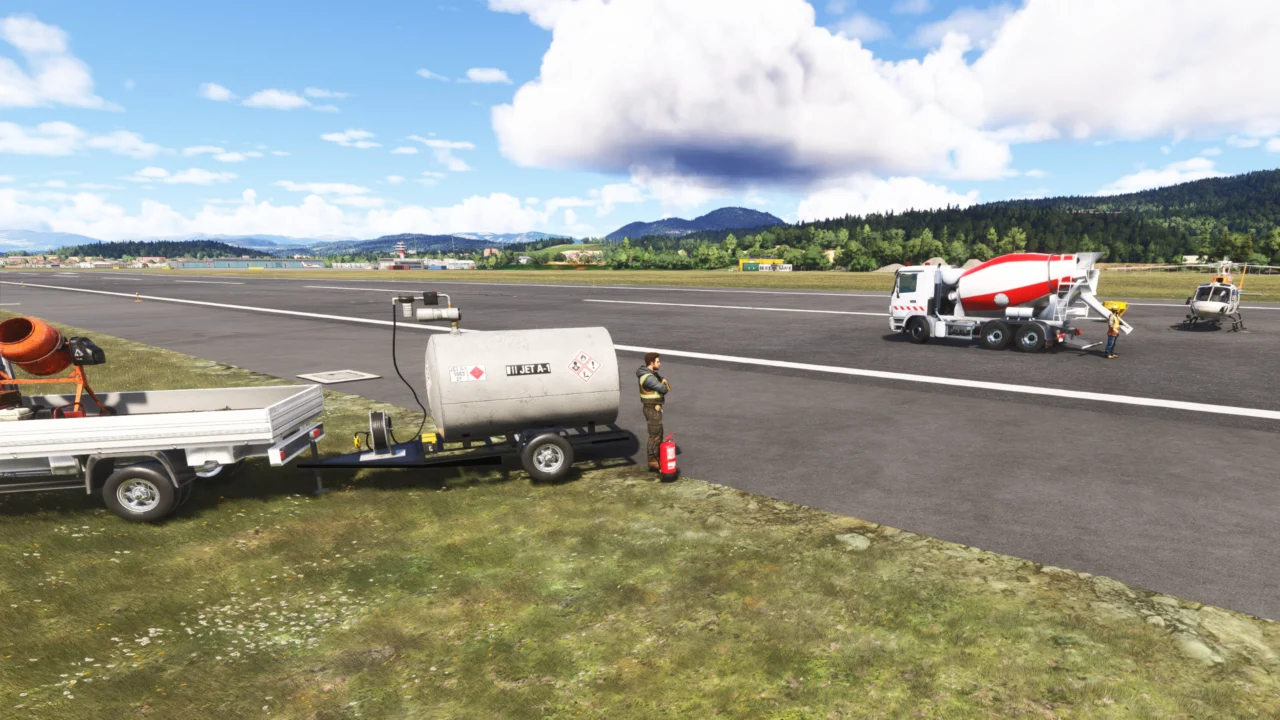
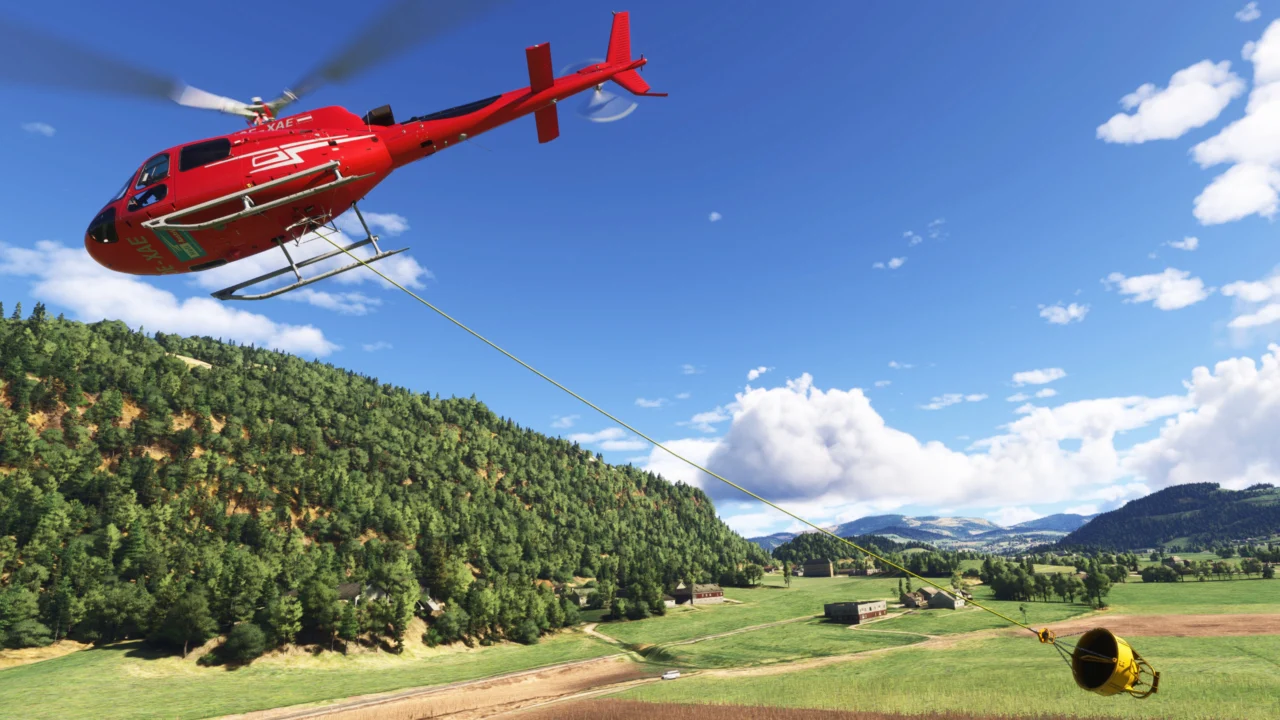
Keep the concrete moving with two slips. Deliver a load, return to the mixer and exchange slips in just 3 seconds. Alternating between them makes each trip part of a continuous loading and delivery cycle.
Live horizontal and vertical guidance helps you position the slip. The animated segmented sling reacts to aircraft speed, direction, pitch, bank and load weight.
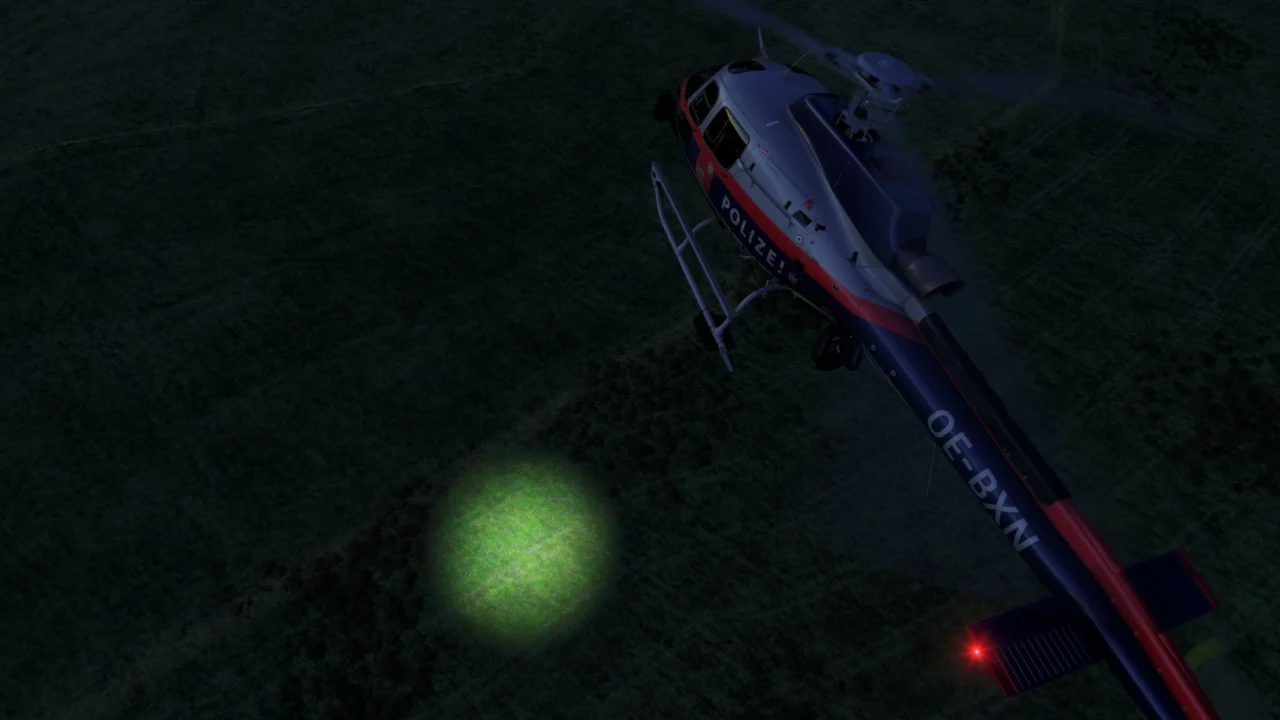
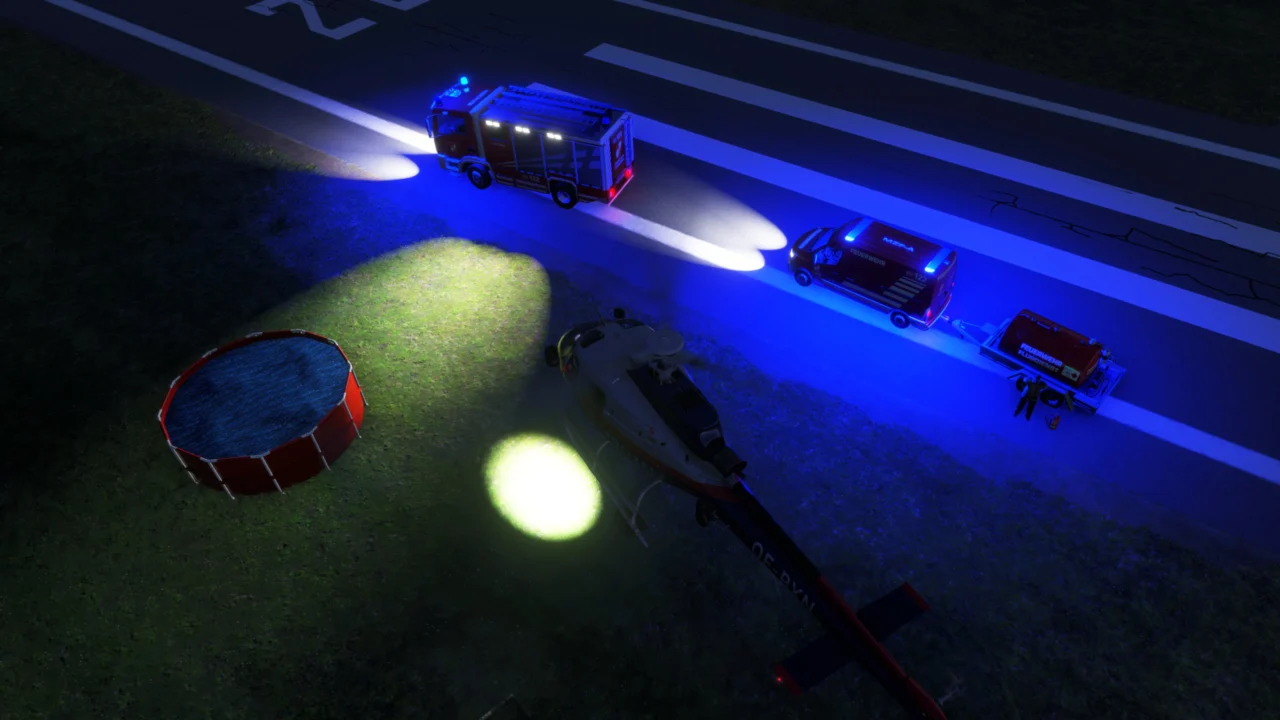
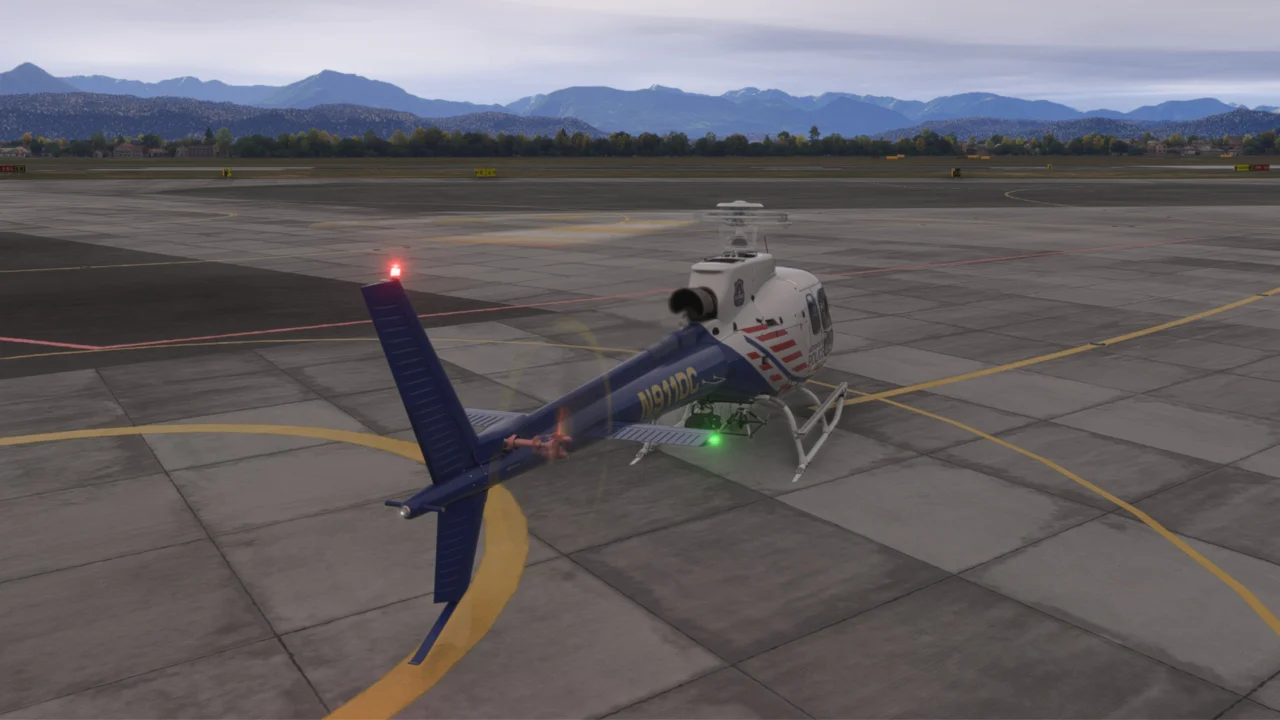
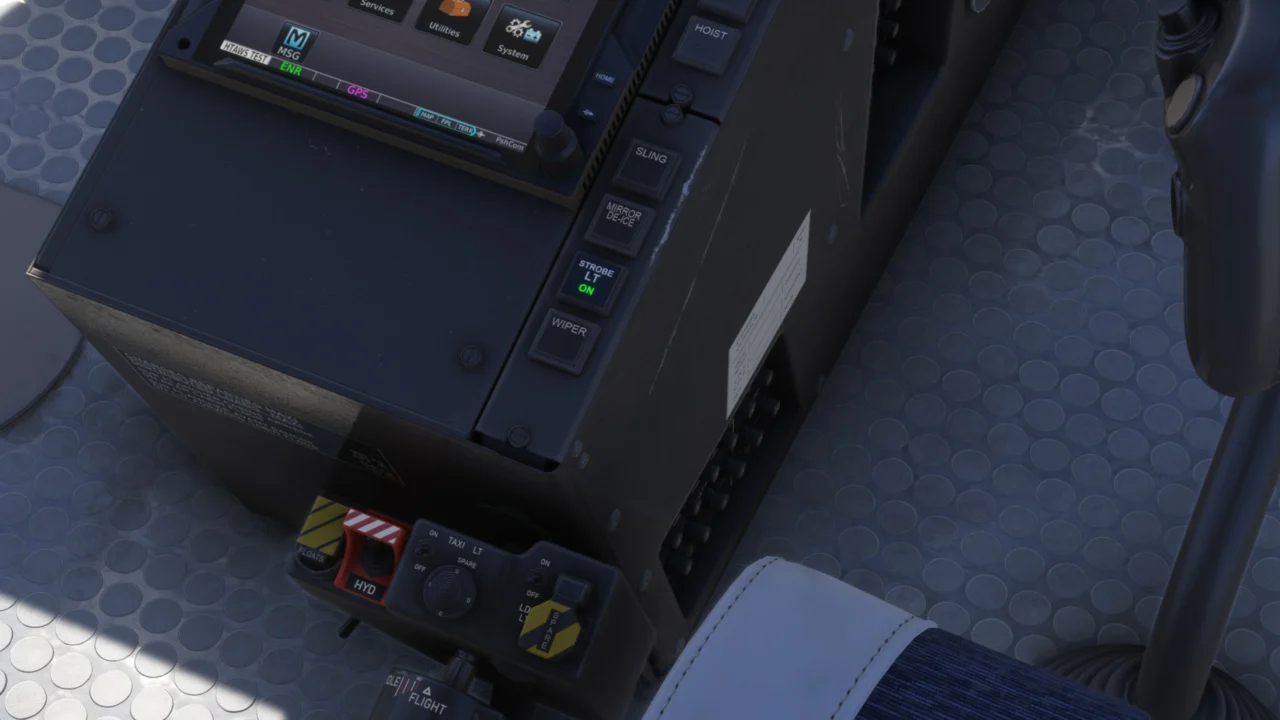
Choose the original animated searchlight or Searchlight 2, based on the SX-16. Control the original searchlight’s pitch and rotation through the EFB or assignable simulator inputs.
The exterior lights are improved over the stock H125, with white strobes on the tail stabilizers and refined ACOL and navigation lights. A new button in the cockpit controls the strobes.
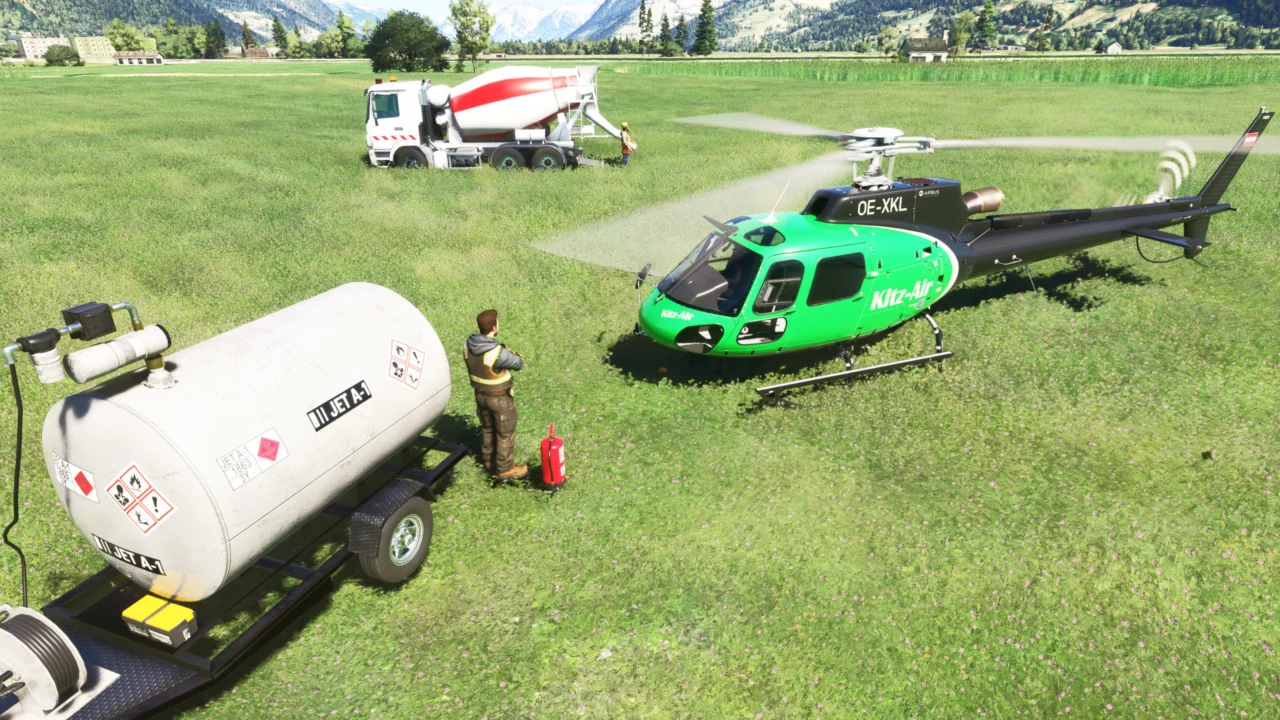
Deployed support trailers become mobile refuelling points, allowing utility operations to continue away from a conventional airport.
The EFB displays fuel percentage, litres, fuel weight, delivered quantity and live transfer status.

When a compatible Miltech firefighting mission is active, the H125 Options Pack automatically adapts its Fire Ops controls and supports automatic or pilot-controlled water release.
Discover Mission HubHR SimYard’s H125 Options Pack v1.0.2 works with DHM’s Pilot Experience Pack (PXP) in Microsoft Flight Simulator 2024. We worked with DHM to make the two packs work together, so you can enjoy the Options Pack equipment and PXP experience on the same H125.
The compatible PXP update also fixes a ground resonance issue that could occur under specific conditions. Thanks to DHM for the collaboration.
Open a topic for the essential setup, controls and operating steps.
Open the EFB’s Options page and enable the Cargo Hook. This unlocks the Fire Ops and Sling Ops pages.
In Settings / Controls, select your device, set the filter to All and search for H125 External Bucket Release Toggle. Assign your preferred key or button. It releases the contents of the active full fire or concrete bucket without detaching it. This binding replaces Toggle Spray.
With automatic release enabled, Mission Hub controls the drop. For a pilot-controlled mission drop, select manual release mode and use your assigned H125 External Bucket Release Toggle binding.
No. The infrared surveillance camera mounts beneath the fuselage without the external camera arm.
In Settings / Controls, select your device, set the filter to All and search for H125 External Searchlight. Assign Up, Down, Left, Right and Home. These bindings control the active searchlight. Enable it and switch on its light power in the EFB, then wait for initialization. Home returns it to standby; power and infrared mode remain in the EFB.
Search for H125 External Camera in Settings / Controls with the filter set to All. Assign Up, Down, Left, Right and Home. One set controls the active Surveillance or Cinema camera. Wait for its 9-second initialization; Home returns it to standby.
Deploy a water base or concrete mixer support vehicle, land within 10 metres of its fuel trailer and begin refuelling from the EFB. Fuel transfers at approximately 220 litres per minute and stops if the helicopter takes off or leaves the service area.
A filled bucket can be lost if the helicopter exceeds 80 knots. Empty buckets remain attached. After a loss, land the helicopter to spawn a replacement.
The H125 Options Pack fully supports all our H125 livery packs.

for Asobo H125